Bring Old Photos to Life
A still portrait becomes a short video - a blink, a breath, and nothing more. The face you know stays exactly as it is.
What the result looks like
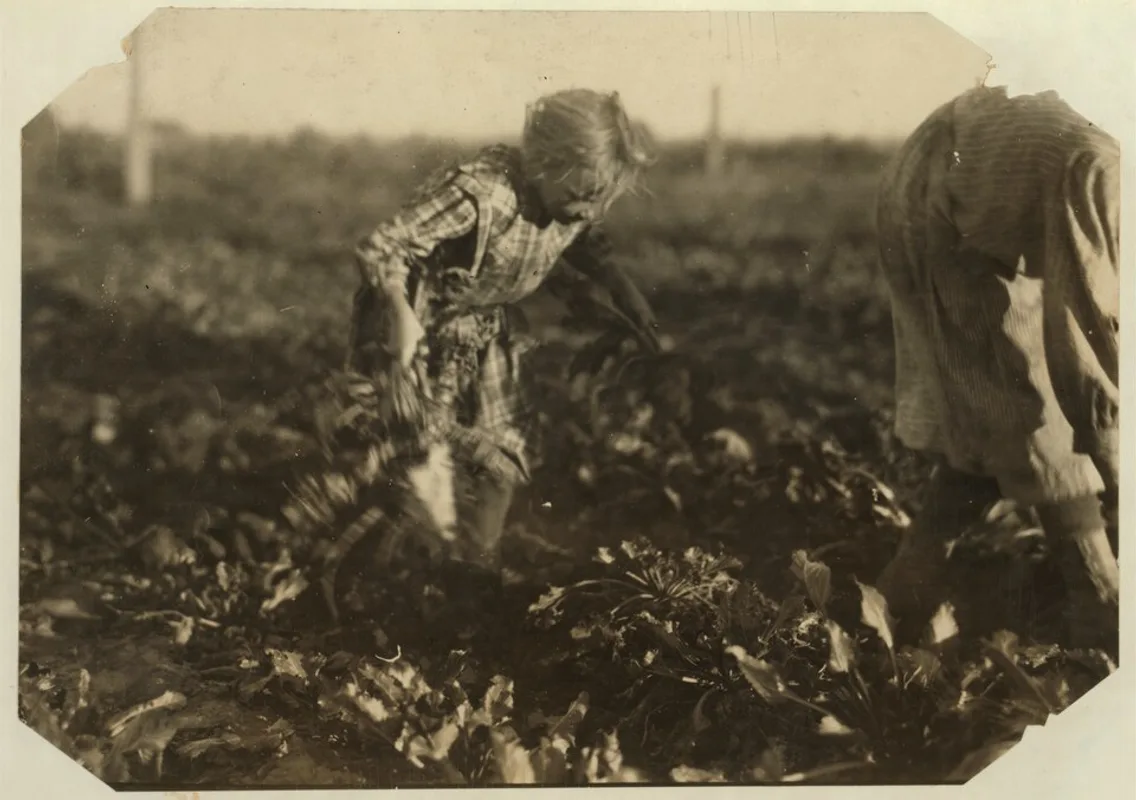
What you get
Gentle, respectful motion
Movement so slight it reads as breath: one slow blink, a faint shift of light. No swaying, no head turns, no gestures - and never an expression the photo did not already have.
The person stays themselves
Identity, age, clothing and background are preserved. The photo moves; it does not become someone else.
Works best after restoration
Restore the photo first (free preview) and the animation starts from a clean, sharp portrait.
See examples before you spend
Making a video is costly for us to run, so there is no free video preview - watch real examples below to know what to expect.
Yours to keep
Download the video in HD. Files are removed from our servers after 30 days.
How it works
-
Step 1: Upload the portrait
One clear face works best - JPG, PNG or HEIC up to 20 MB.
-
Step 2: Look at the examples
There is no menu of effects. Every photo gets the same near-still animation - the videos below are exactly what it looks like.
-
Step 3: Generate the video
Animation uses 10 generations and takes a few minutes. We show progress on the page.
-
Step 4: Download and share
Save the HD video and share it with the family.
Try our other free tools
Frequently asked questions
How can I make an old photo move?
Upload a portrait above. The AI generates a short video in which the person blinks and breathes and nothing else moves - the pose and the expression stay exactly as they were photographed. The result is downloadable in HD.
Why is there no free preview for animation?
Generating video is far more expensive than restoring a photo, so we cannot run it free for every visitor. Instead, the examples on this page show exactly what the animation produces, and restoration previews remain free.
How many generations does it cost to animate a photo?
One animation costs 10 generations. The Value pack (30 generations) covers three animations, or one animation plus twenty photo restorations.
Does animating a photo change how the person looks?
No. The animation is deliberately almost still - one blink, breathing at the edge of visibility - and face, age, clothing and background stay as in the photo. As with any AI reconstruction, watch the result and compare it with the original before sharing.