Restore Old Photos
Photo restoration in about a minute: upload a faded or worn picture and see it repaired, free preview, no sign-up.
What you get
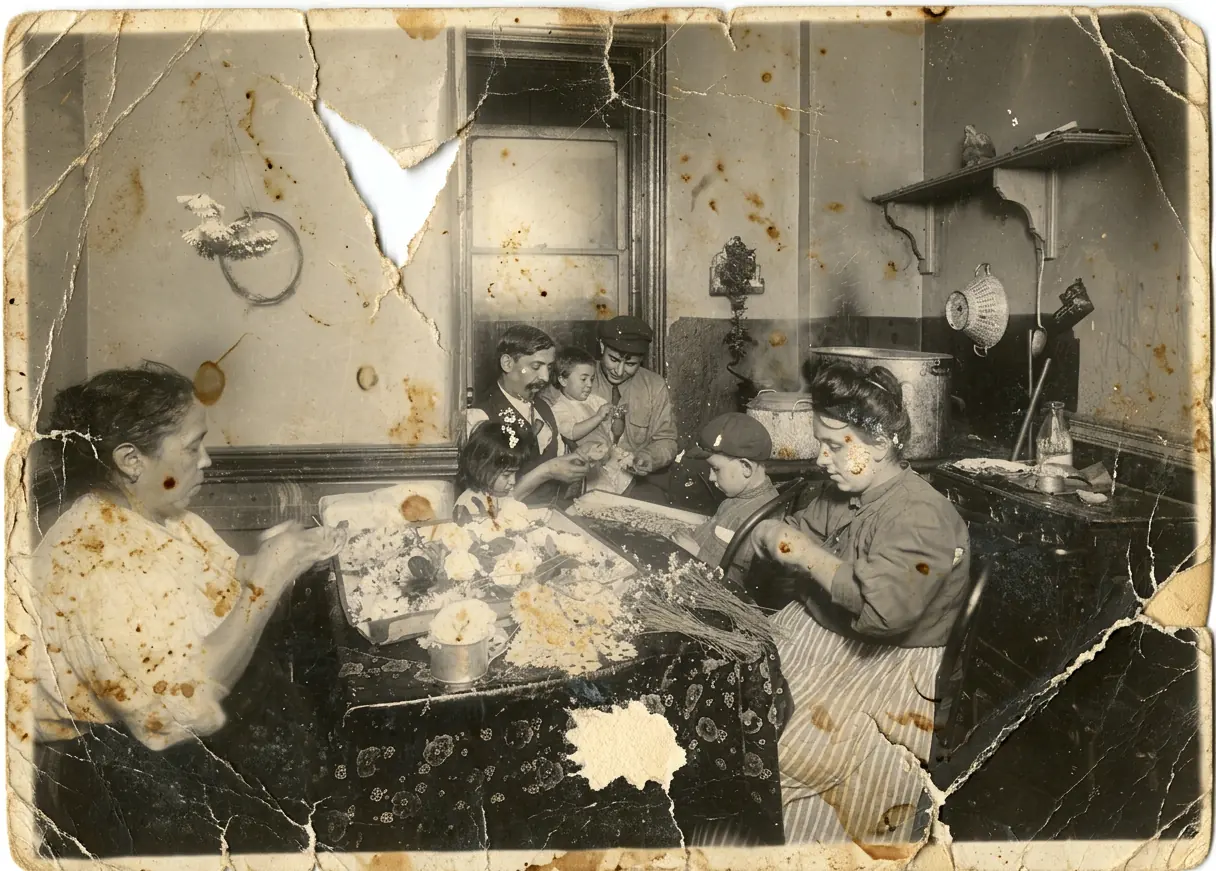
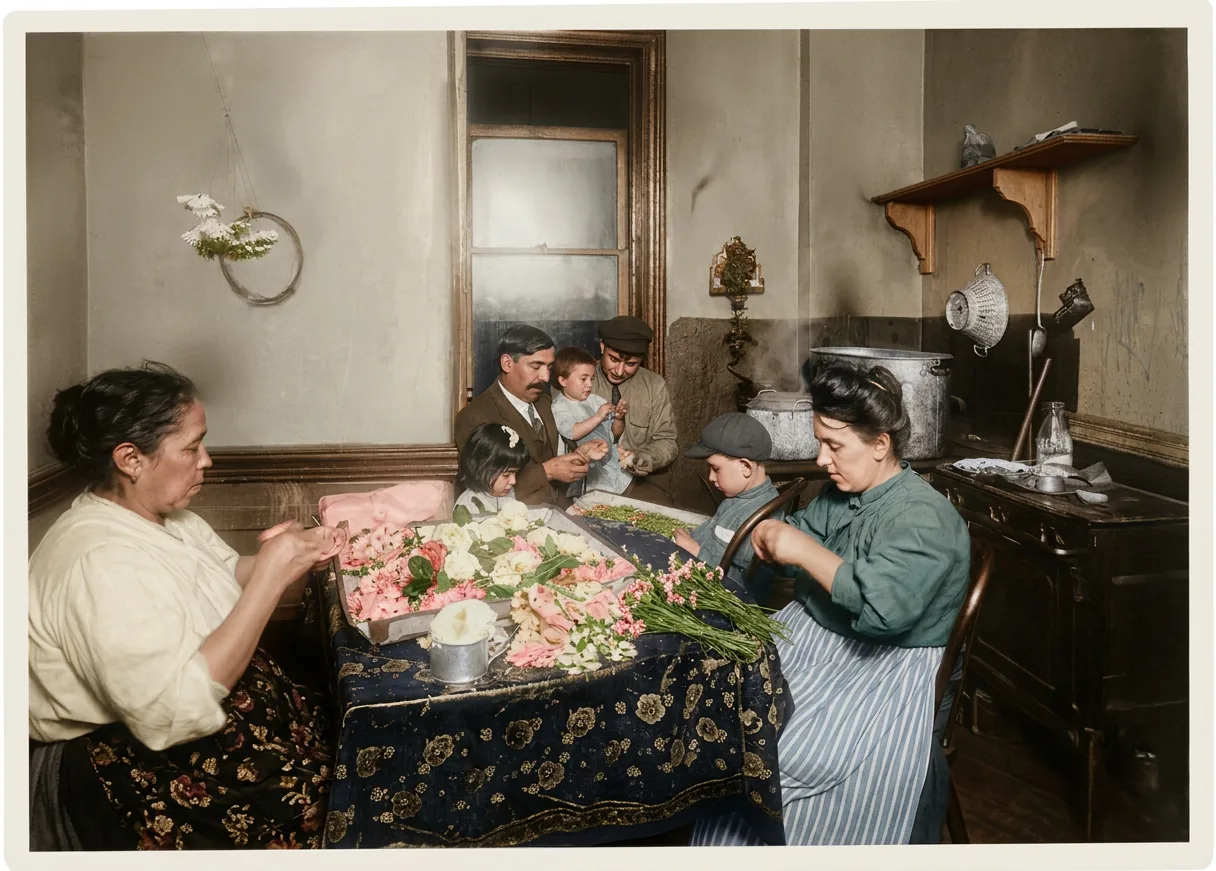
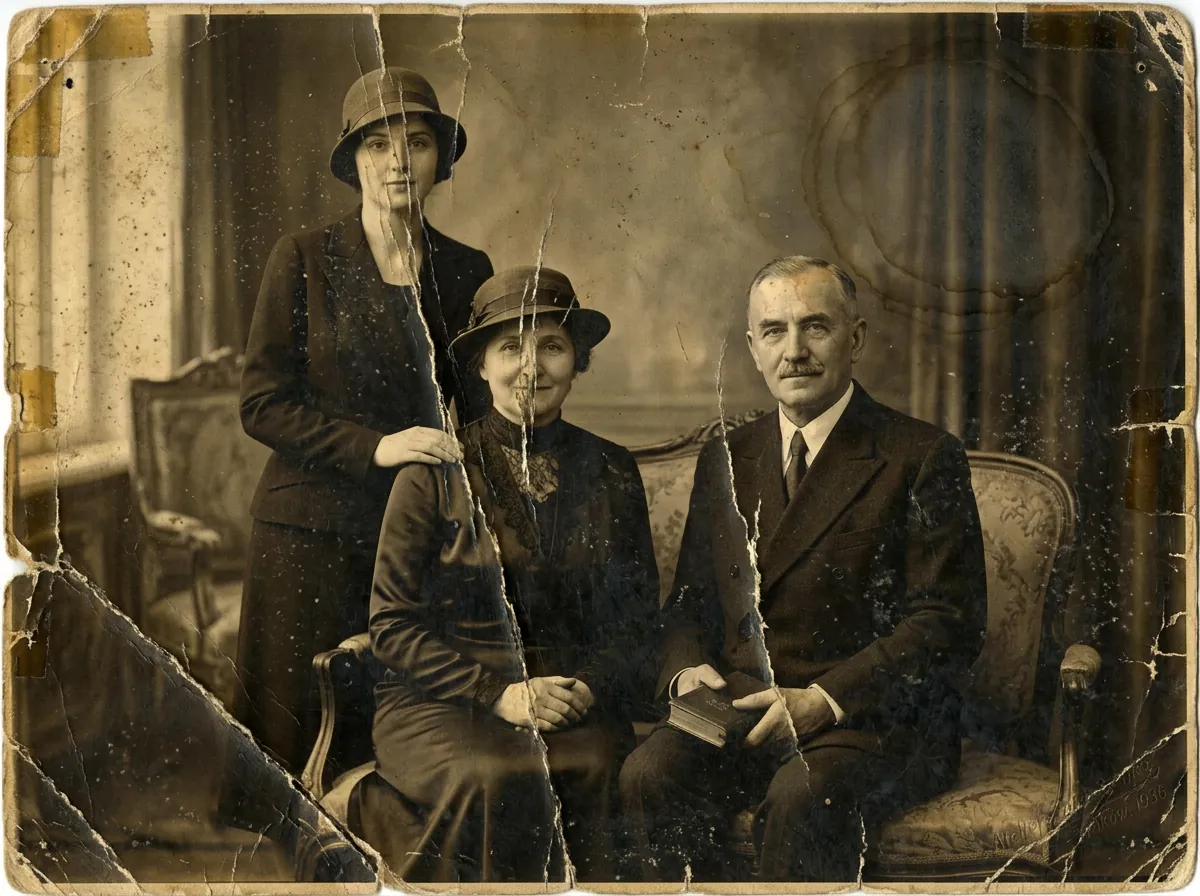
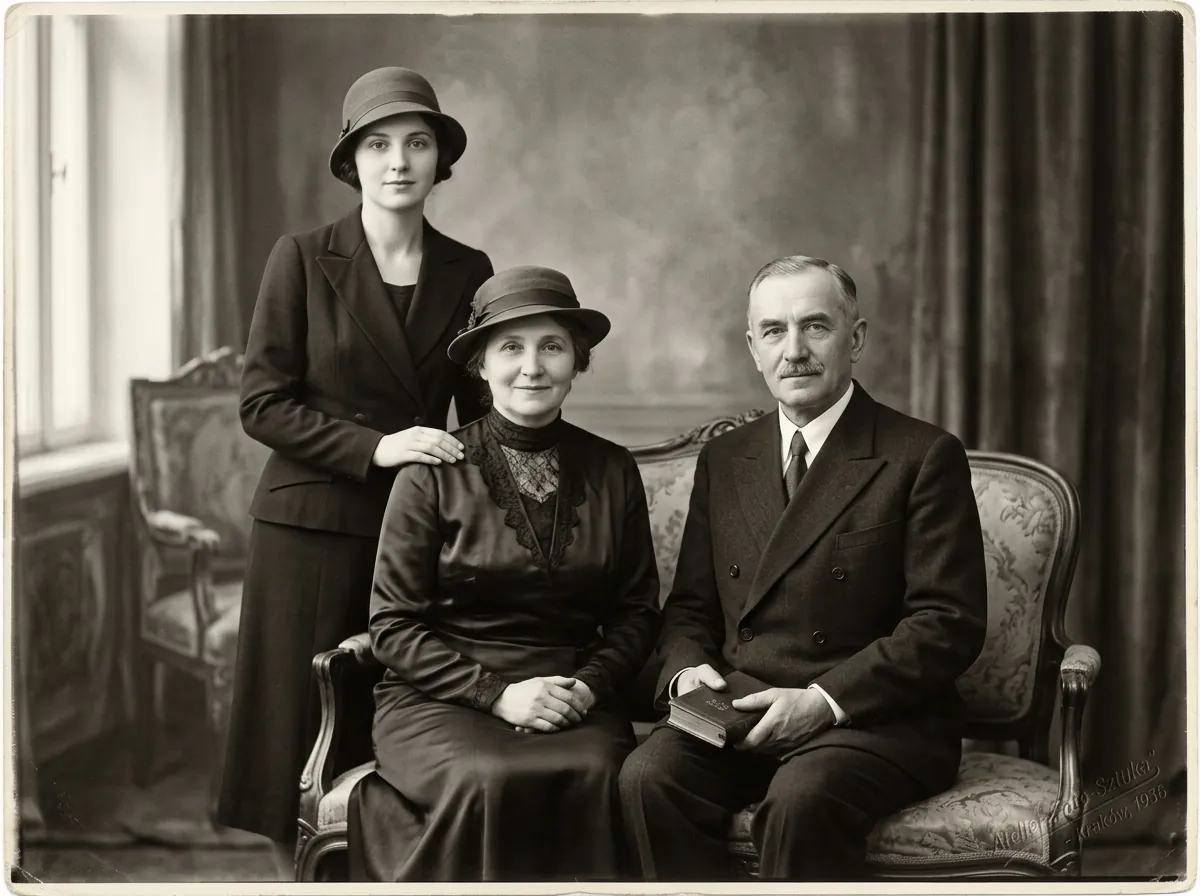
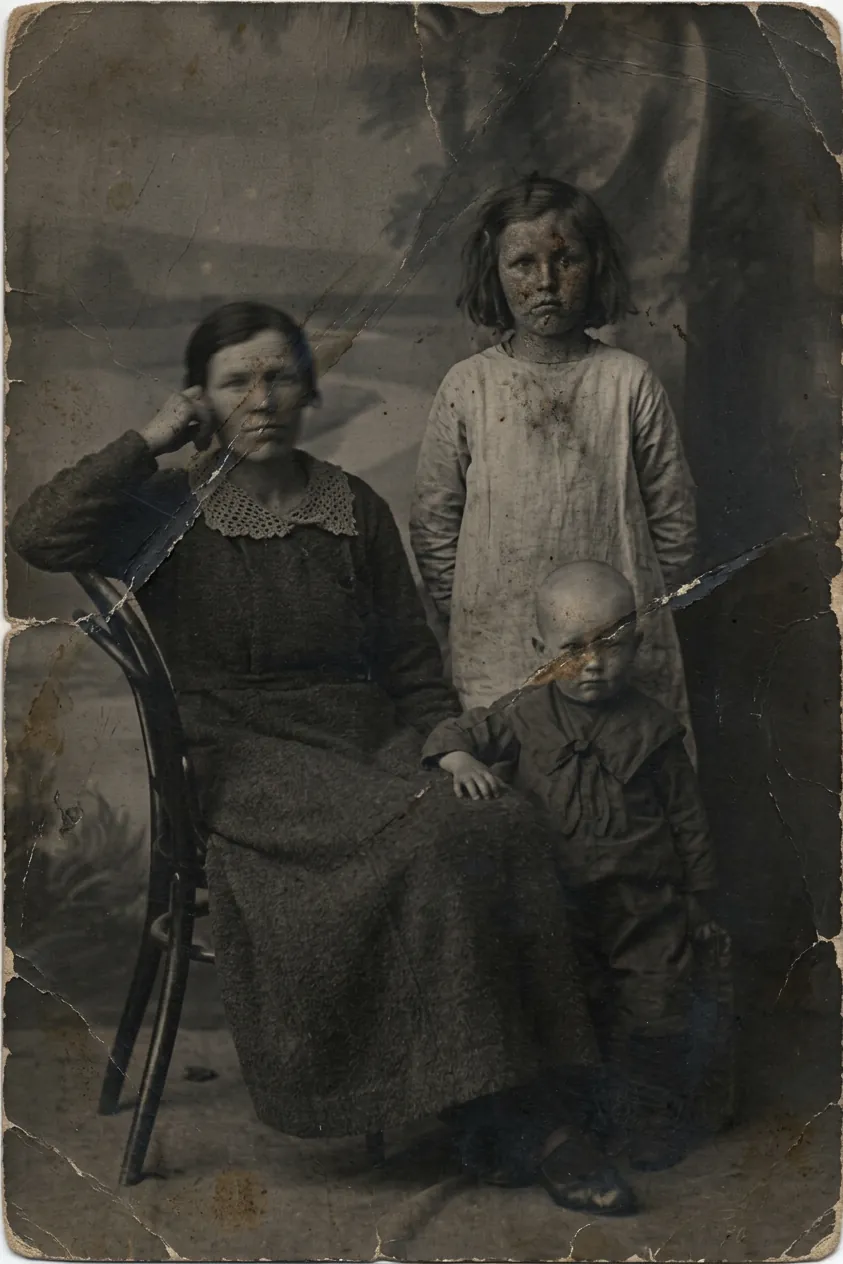
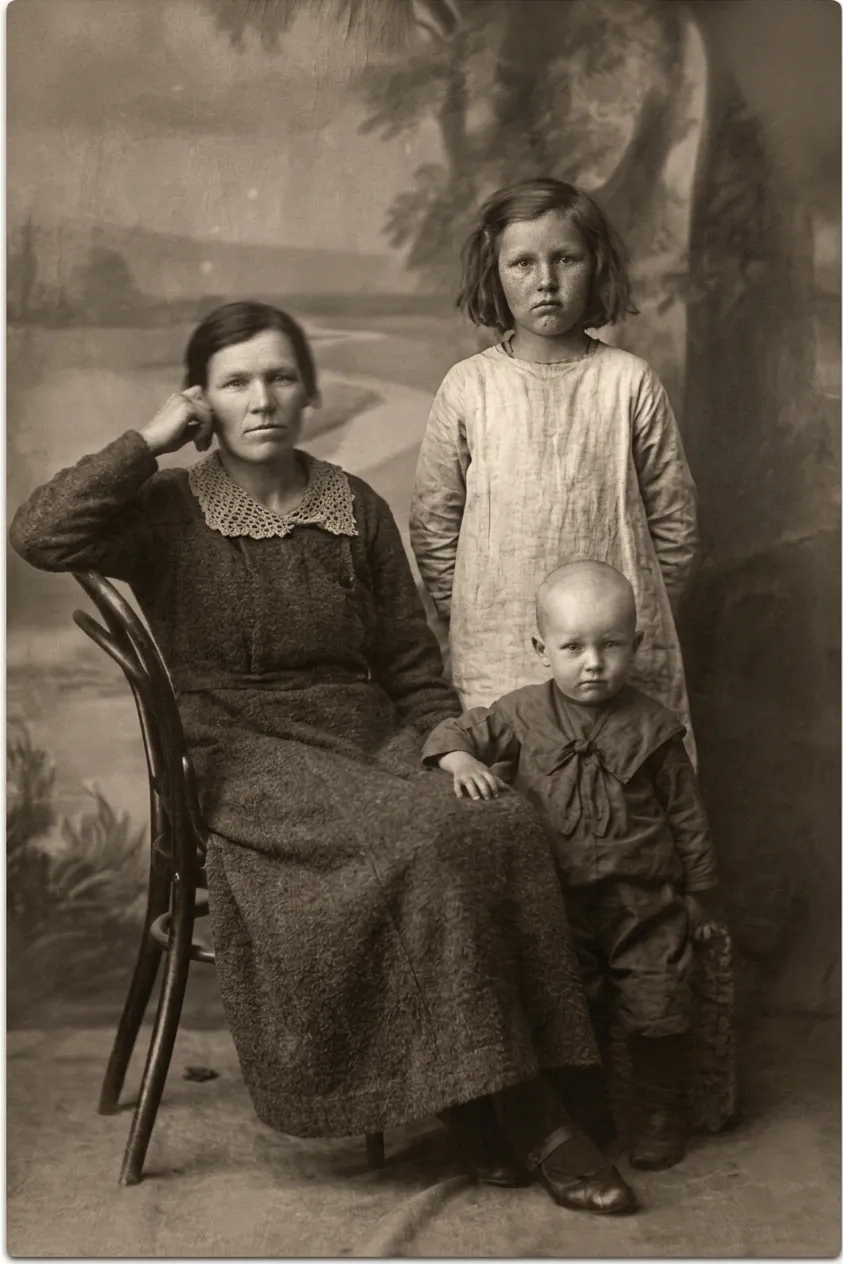
Damage repaired, identity kept
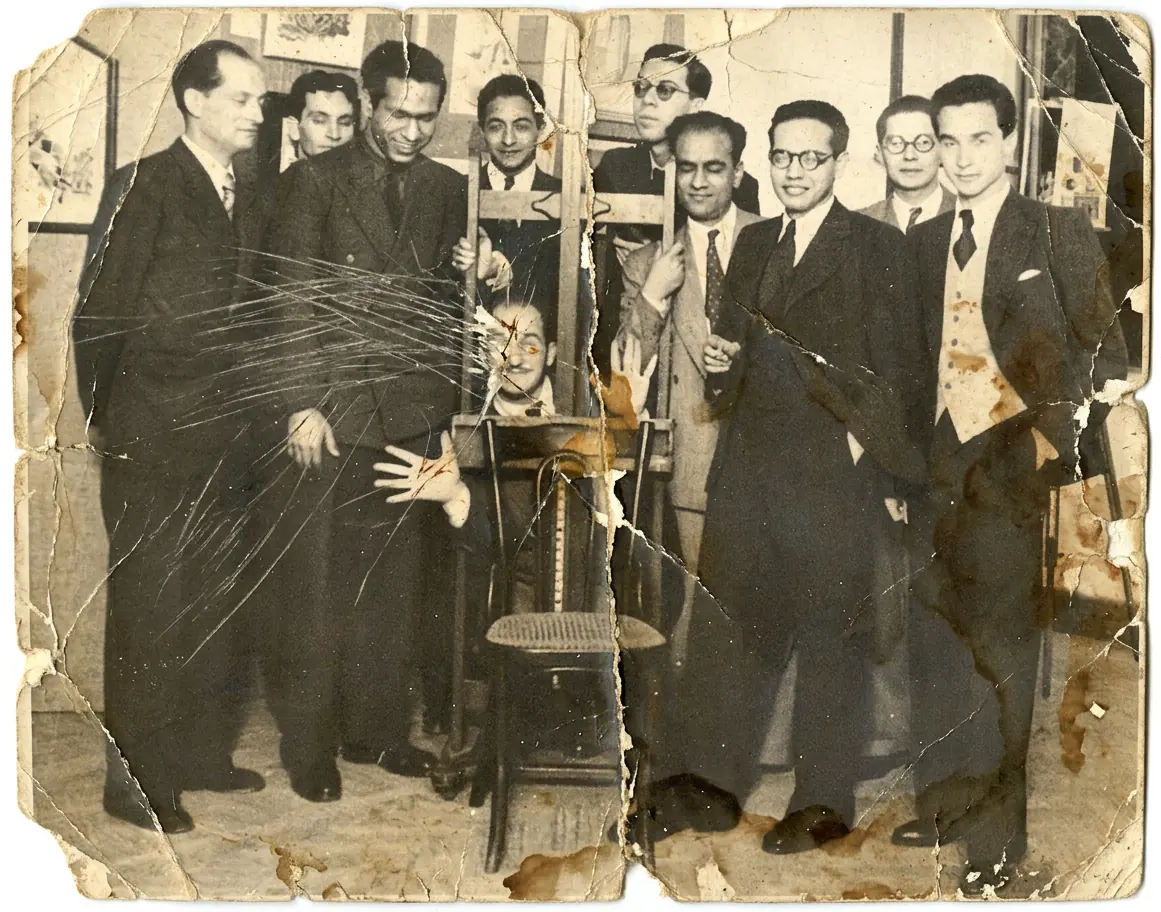
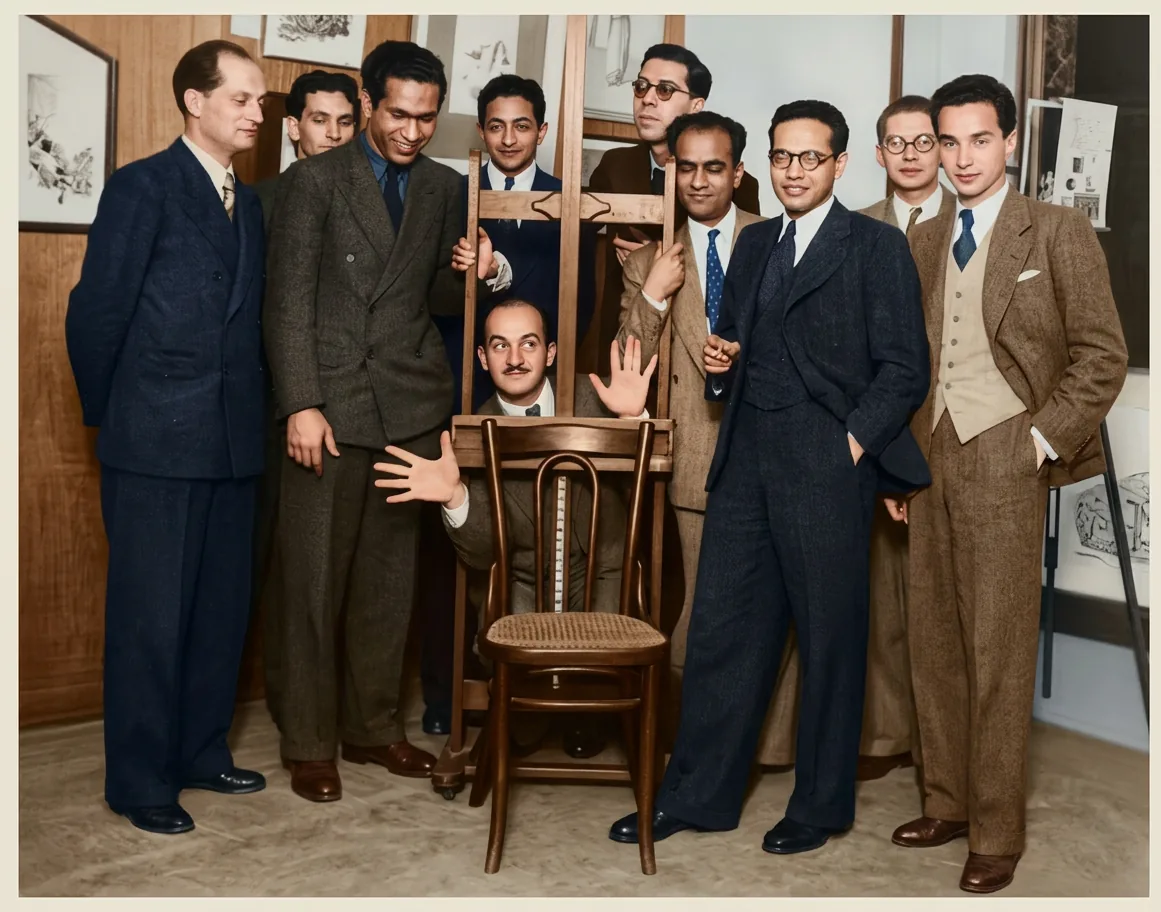
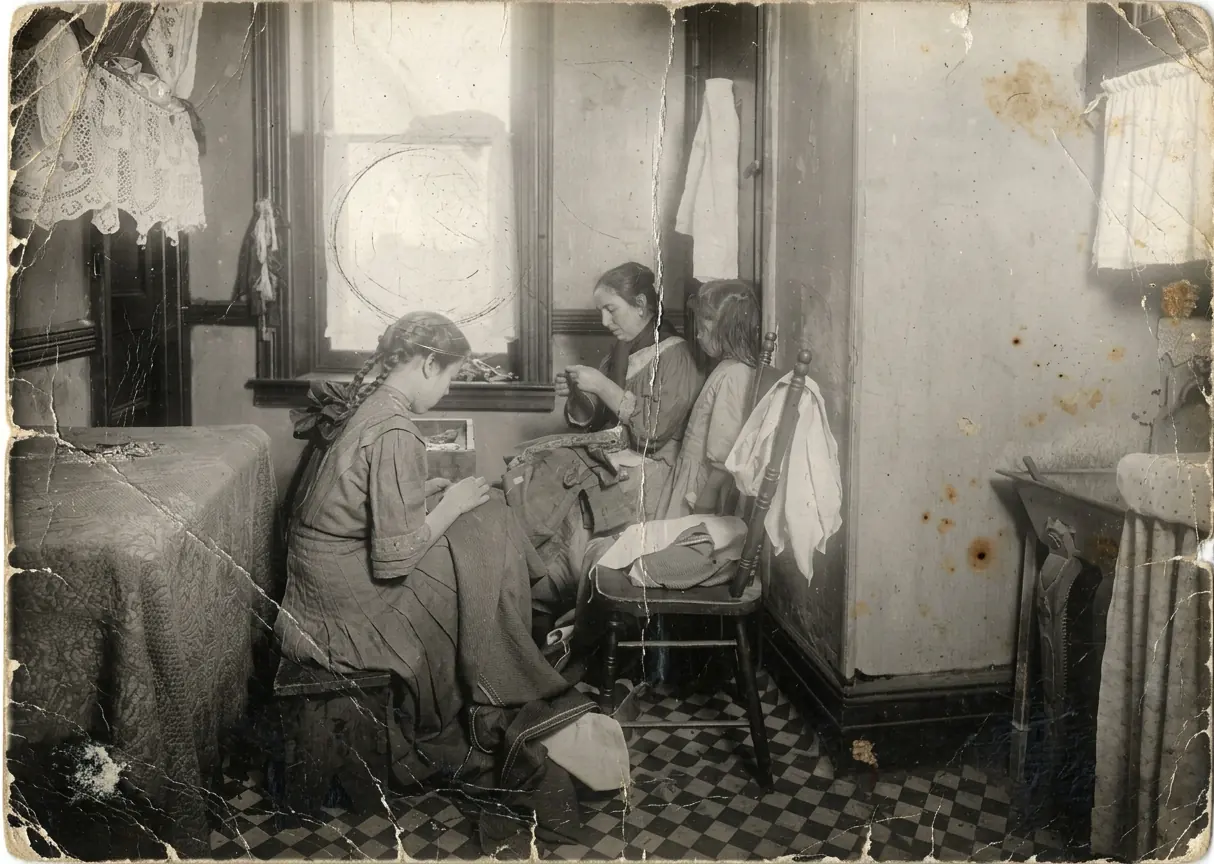
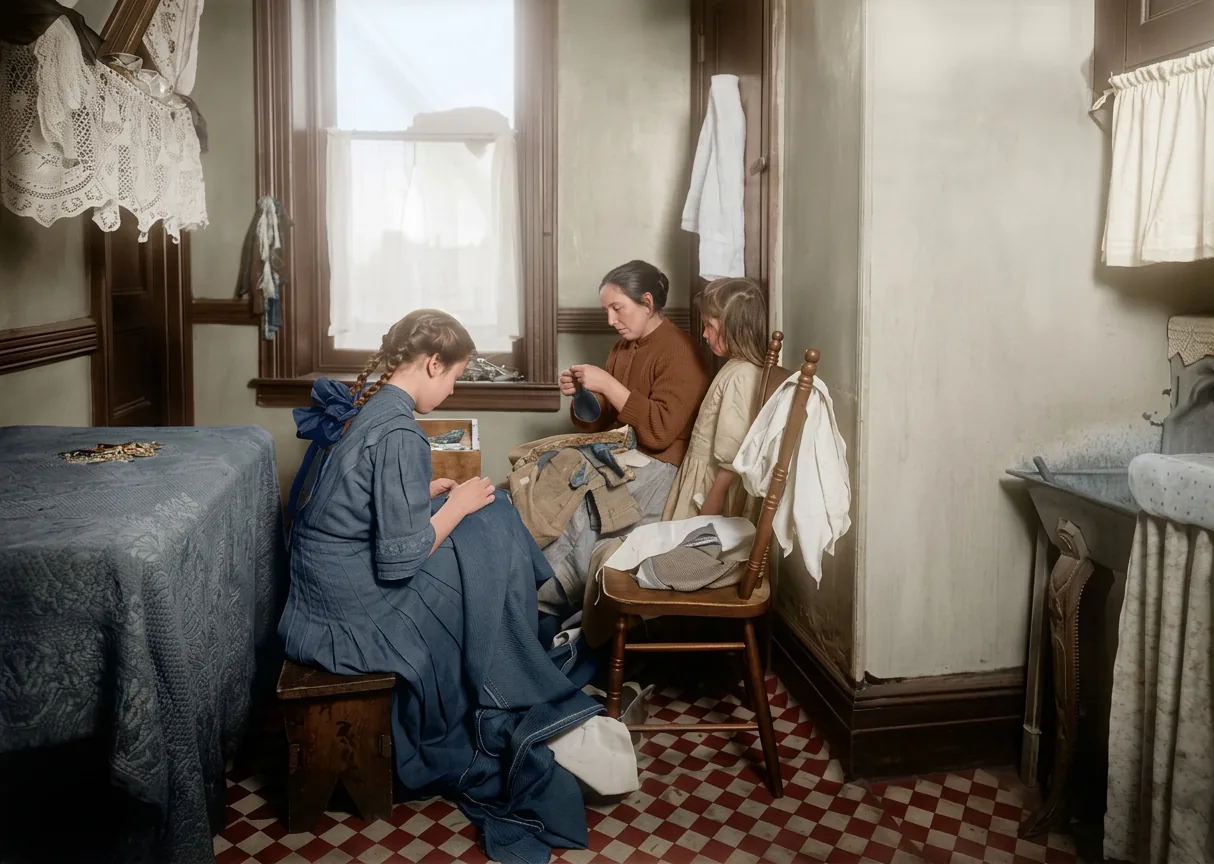
Scratches, fading and creases are removed while faces and expressions stay exactly as your family remembers them.
Free preview before any payment
You see the full restoration in a before and after slider first. Pay only if you want the HD download.
Works with your scans
JPG, PNG and iPhone HEIC files up to 20 MB. Photographed prints work too - just avoid glare.
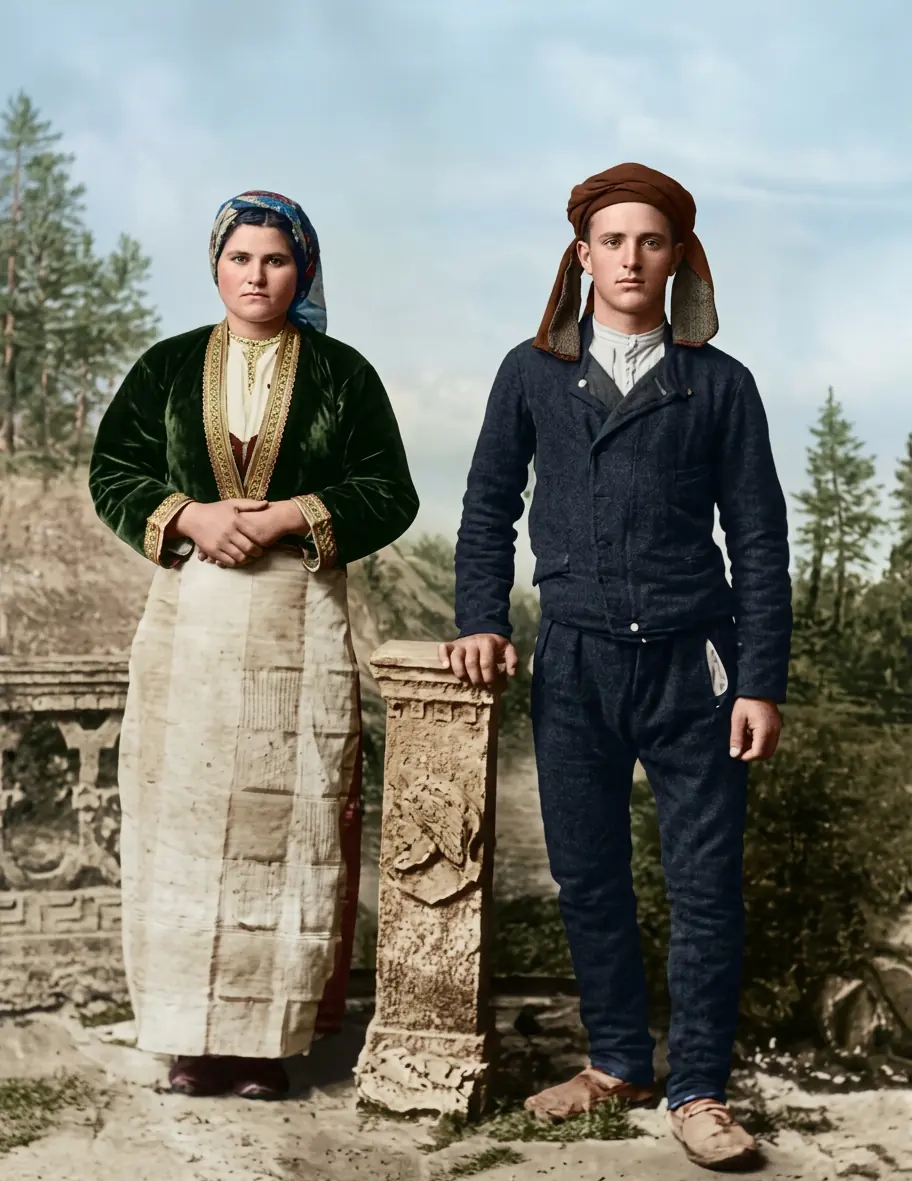
Color is a switch
Add color is on by default - turn it off above the uploader to keep the photo black and white. Same 1 generation either way.
Private and temporary
Photos are processed privately and deleted from our servers after 30 days. They are never used for anything else.
How it works
-
Step 1: Upload the photo
Drag in a scan or phone picture of the print - JPG, PNG or HEIC up to 20 MB.
-
Step 2: Let the AI restore it
Fading, scratches and creases are repaired automatically in about a minute.
-
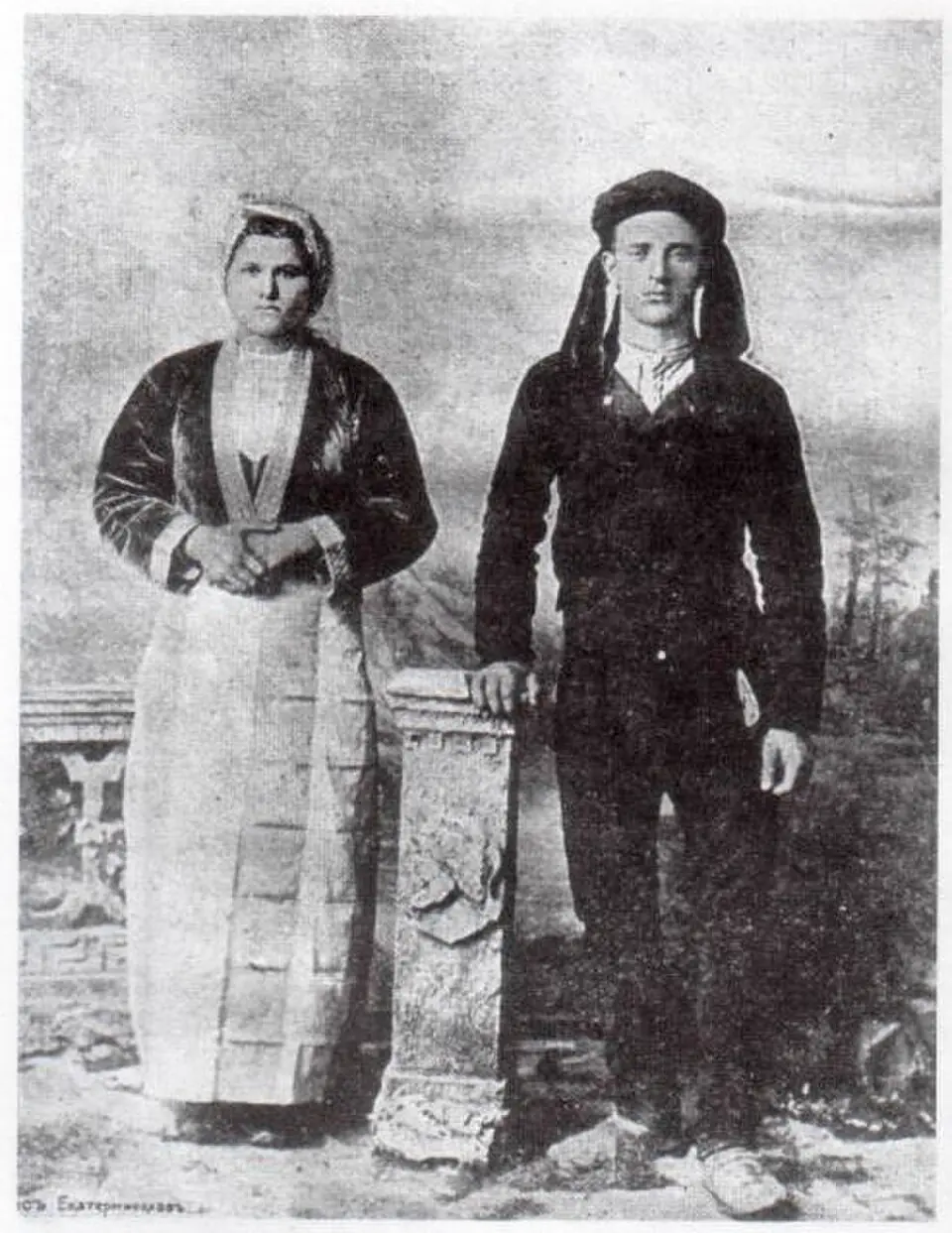
Step 3: Compare before and after
Check the free preview in the slider next to your original.
-
Step 4: Download in HD
One generation unlocks the restored photo at full size, without the watermark.
Before and after
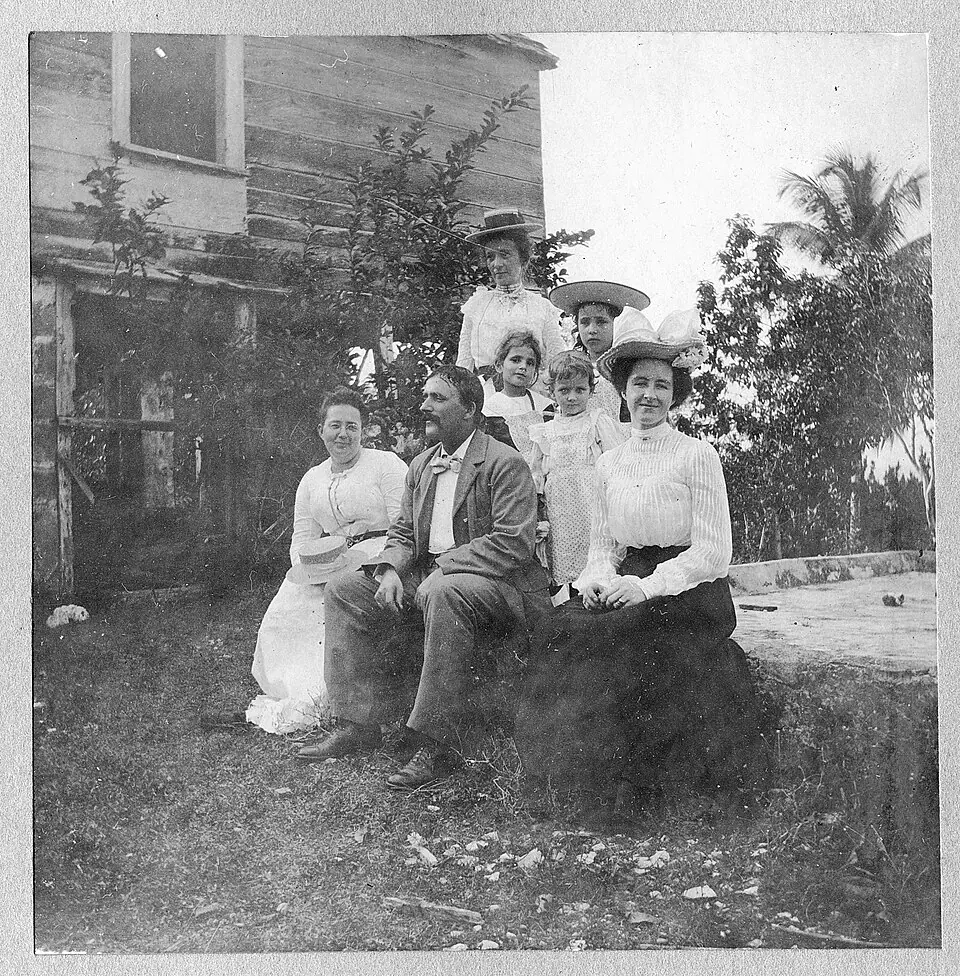
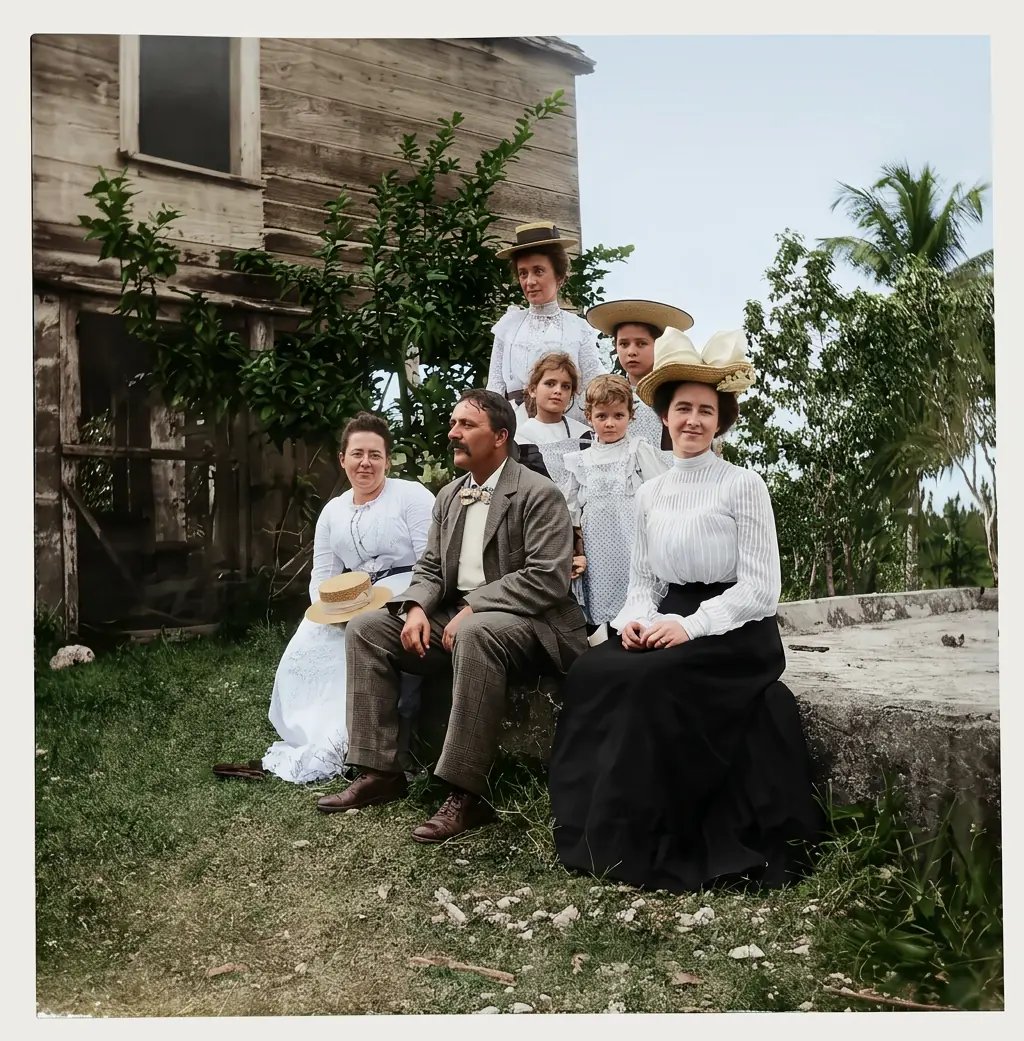
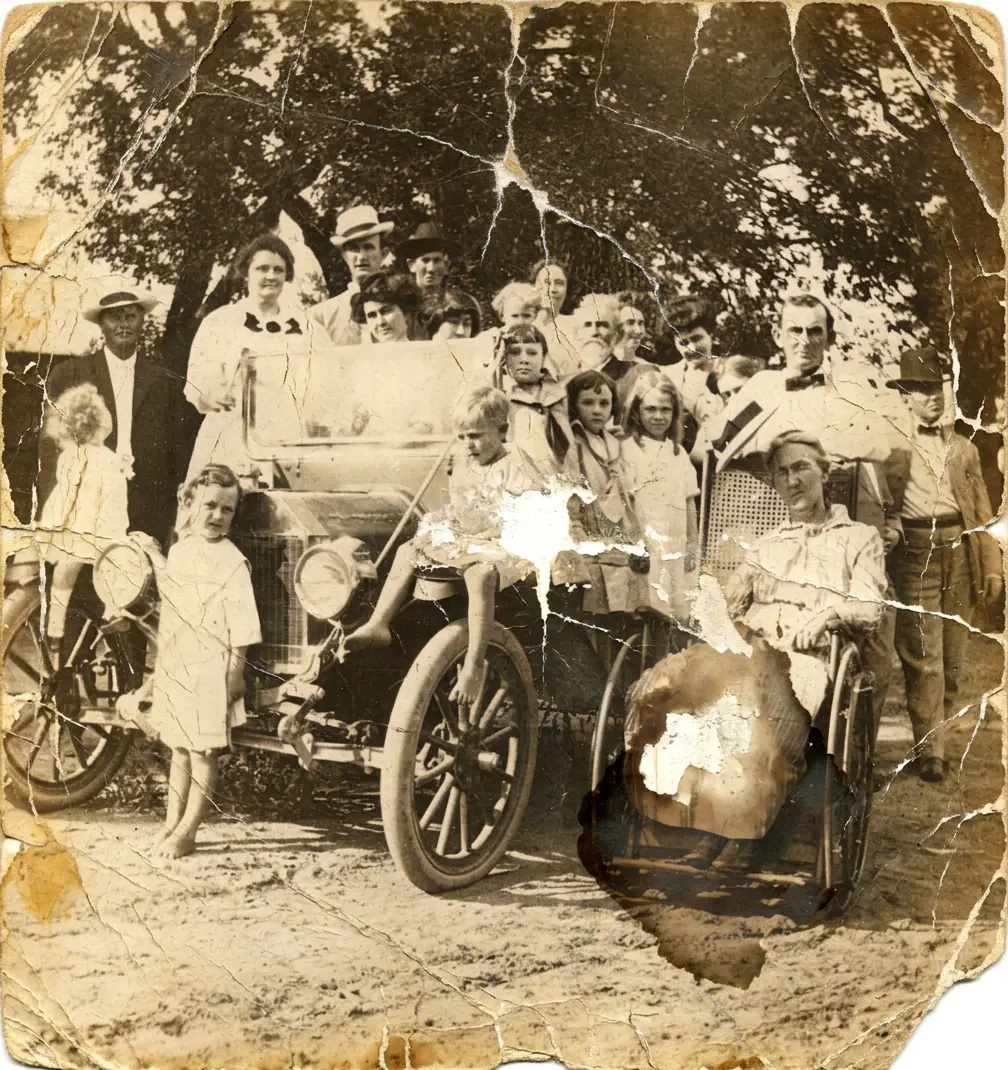
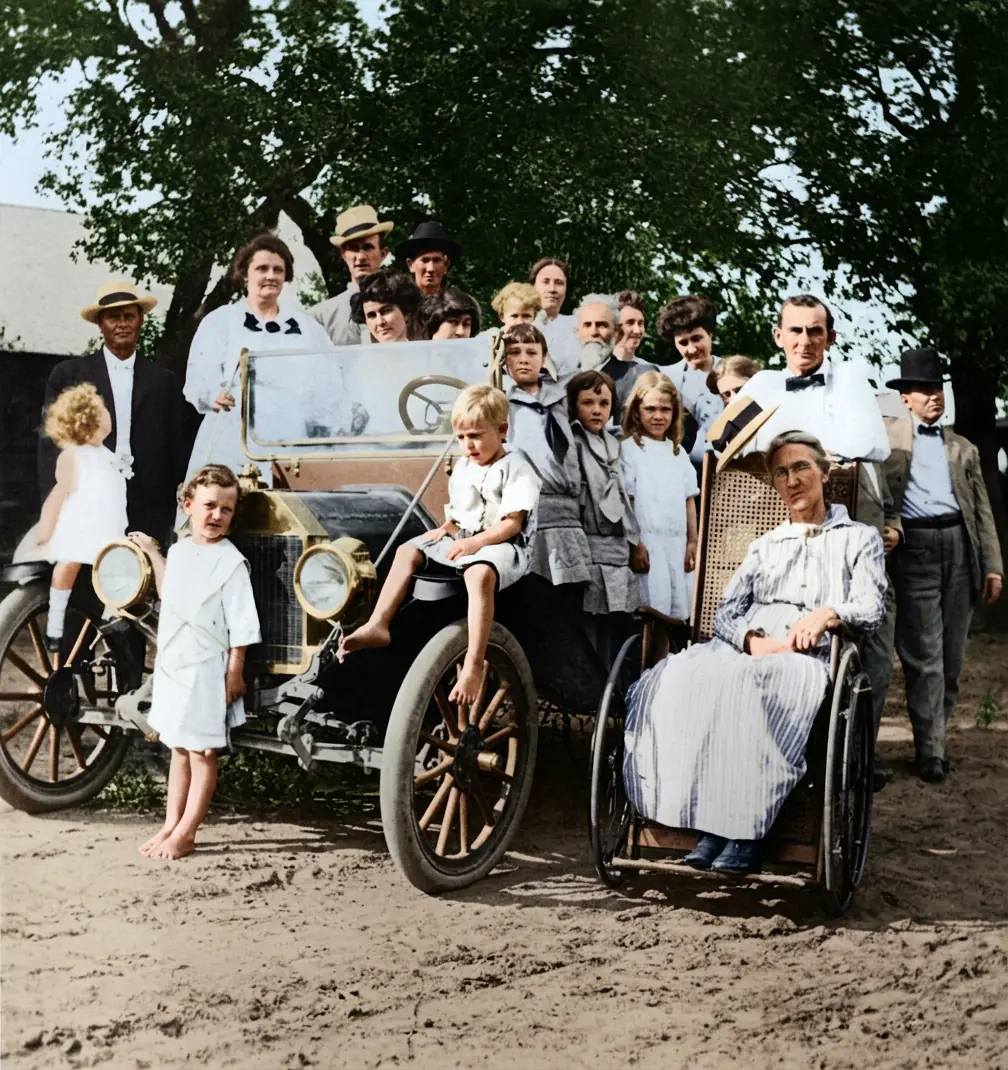
Try our other free tools
Frequently asked questions
How can I restore old photos without Photoshop?
Upload the photo above. The AI does the retouching work automatically - no software to install and no editing skills needed. You see the restored preview in about a minute.
Can old damaged photos be restored?
In most cases yes. Fading, scratches, creases, stains and small tears restore well. For heavily torn photos with missing pieces, try our repair damaged photos tool, which reconstructs missing areas.
How much does it cost to restore an old photo?
The preview is free. Downloading the restored photo in full resolution costs 1 generation - the smallest pack is 12 generations for $9.99, so about $0.83 per photo. Colorization is included at no extra cost.
What is the best way to scan old photos for restoration?
Use a scanner at its highest quality setting, or simply photograph the print with your phone: daylight, no glare or shadows, and fill the frame with the photo.
Does photo restoration change the people in the picture?
No. The model repairs damage around and across faces but is designed to preserve identity. Compare the result with your original in the slider - if anything looks off, do not download it and it costs you nothing.