Unblur Photo
Soft focus, camera shake, low-quality scans - upload the photo and see it sharp, free.
What you get
Real detail, not fake crispness
The AI reconstructs edges and texture instead of just boosting contrast, so faces look natural.
Made for old prints and scans
Slightly out-of-focus film photos and soft scans are exactly what this tool is tuned for.
Free preview first
Compare sharp and original in the slider before paying anything.
Identity preserved
Sharpening never redraws a face. If the blur hides too much, the preview will show you honestly.
Deleted after 30 days
Your photo is processed privately and removed from our servers after 30 days.
How it works
-
Step 1: Upload the blurry photo
JPG, PNG or HEIC up to 20 MB.
-
Step 2: AI sharpens it
Focus and detail are reconstructed in about a minute.
-
Step 3: Compare in the slider
Check the free preview against the original.
-
Step 4: Download in HD
One credit unlocks the sharpened photo in full resolution.
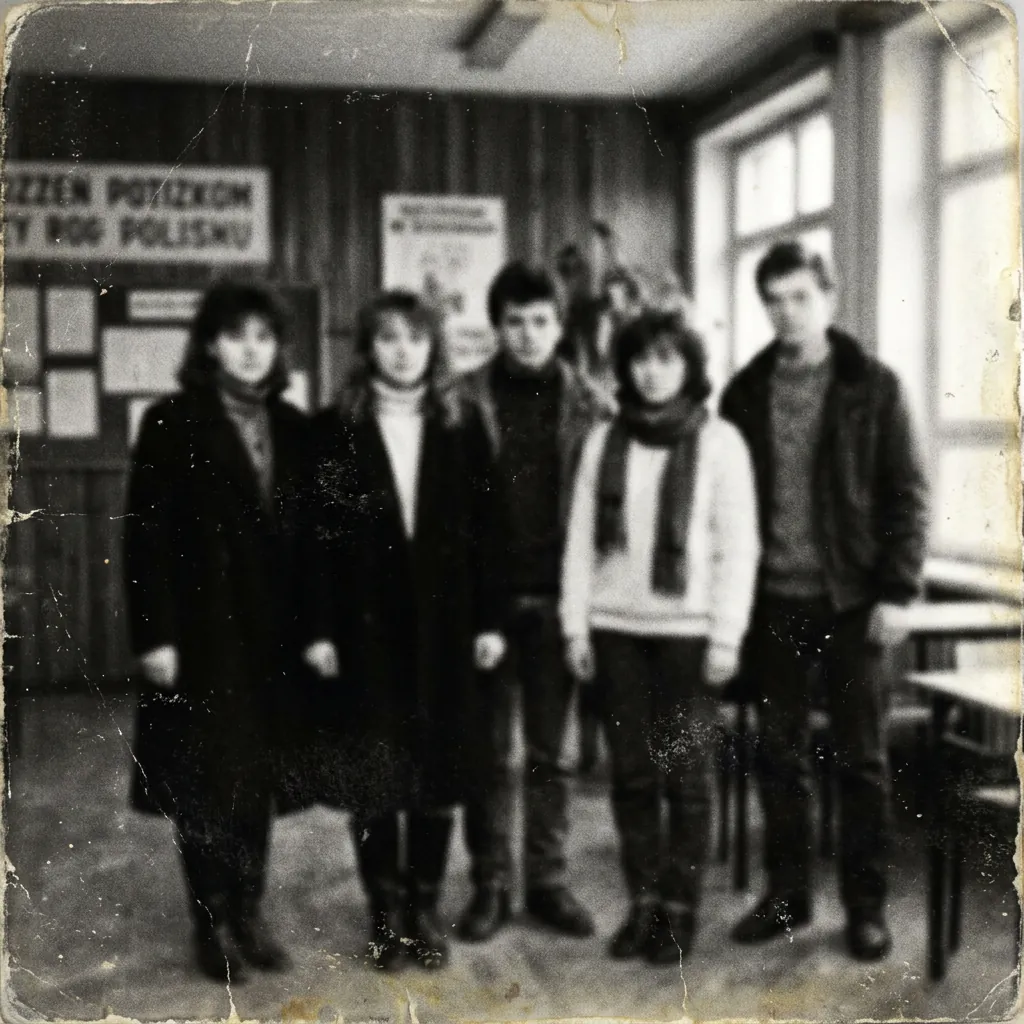
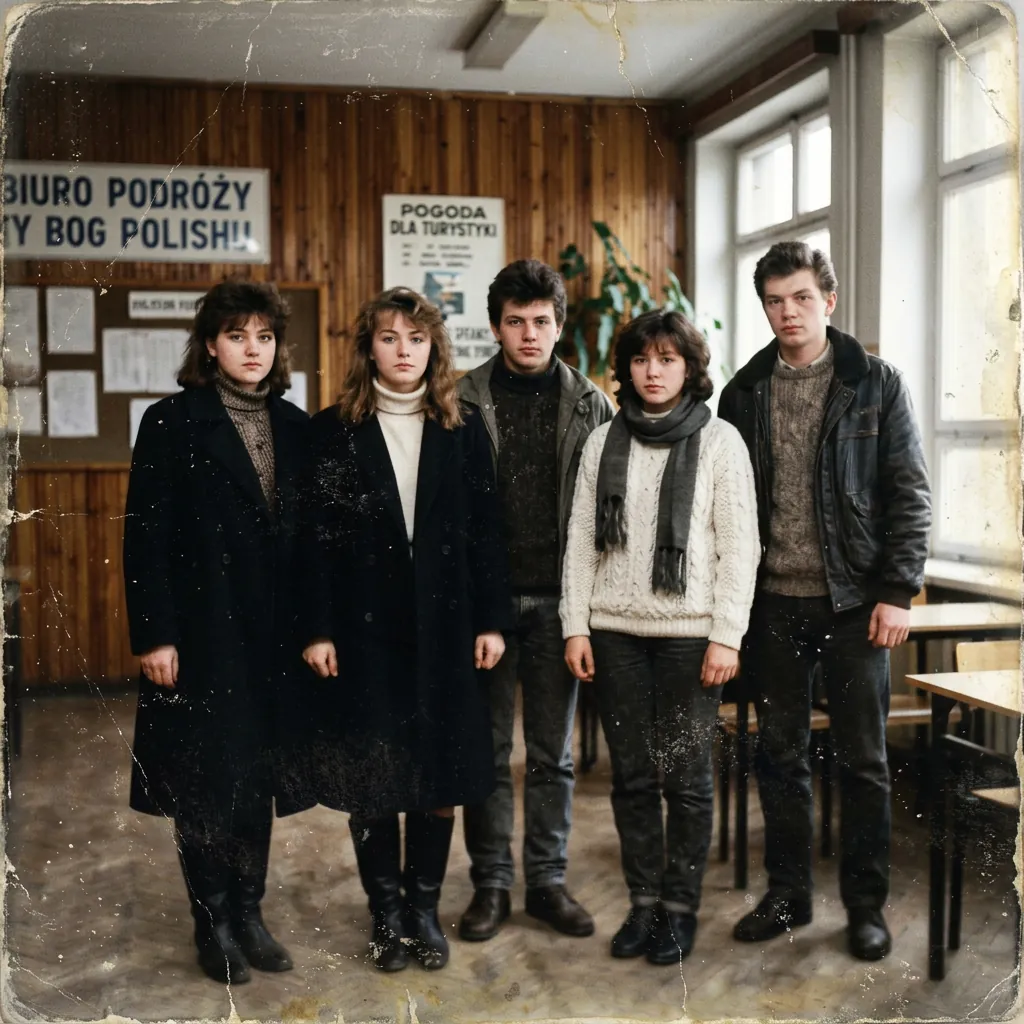
Before and after
Try our other free tools
Frequently asked questions
How can I unblur a photo for free?
Upload it above - the sharpened preview is free and appears in a before and after slider. You pay only if you want the full-resolution download (1 credit).
Can badly blurred photos be fixed?
Mild and moderate blur - soft focus, slight shake, soft scans - fixes well. Severe motion blur that destroys the face cannot be honestly recovered; the free preview will show you what is possible before you spend anything.
Does unblurring work on faces?
Yes, faces are where the model is most careful: it sharpens what is there without inventing new features. Compare the result with your original before downloading.